Calculator

Calculate fuel mileage from your latest fill-up

Use the distance between odometer readings and the amount of fuel added to estimate MPG and L/100 km. Save the result with each fill-up so trends are easier to spot over time.

Job to be done

Work out fuel economy after a fill-up and decide whether a car is using more fuel than usual.

Fuel mileage calculator

Enter two odometer readings and fuel added. The calculator shows distance, MPG, and L/100 km without storing anything.

Distance

388.0 miles

Fuel economy

32.61 MPG

Consumption

7.21 L/100 km

  • Supports miles, kilometers, gallons, and liters.
  • Works best when the tank is filled to the same level each time.
  • Use the result as a quick check before logging the fill-up.
Product example

Keep the useful record after the calculation or template.

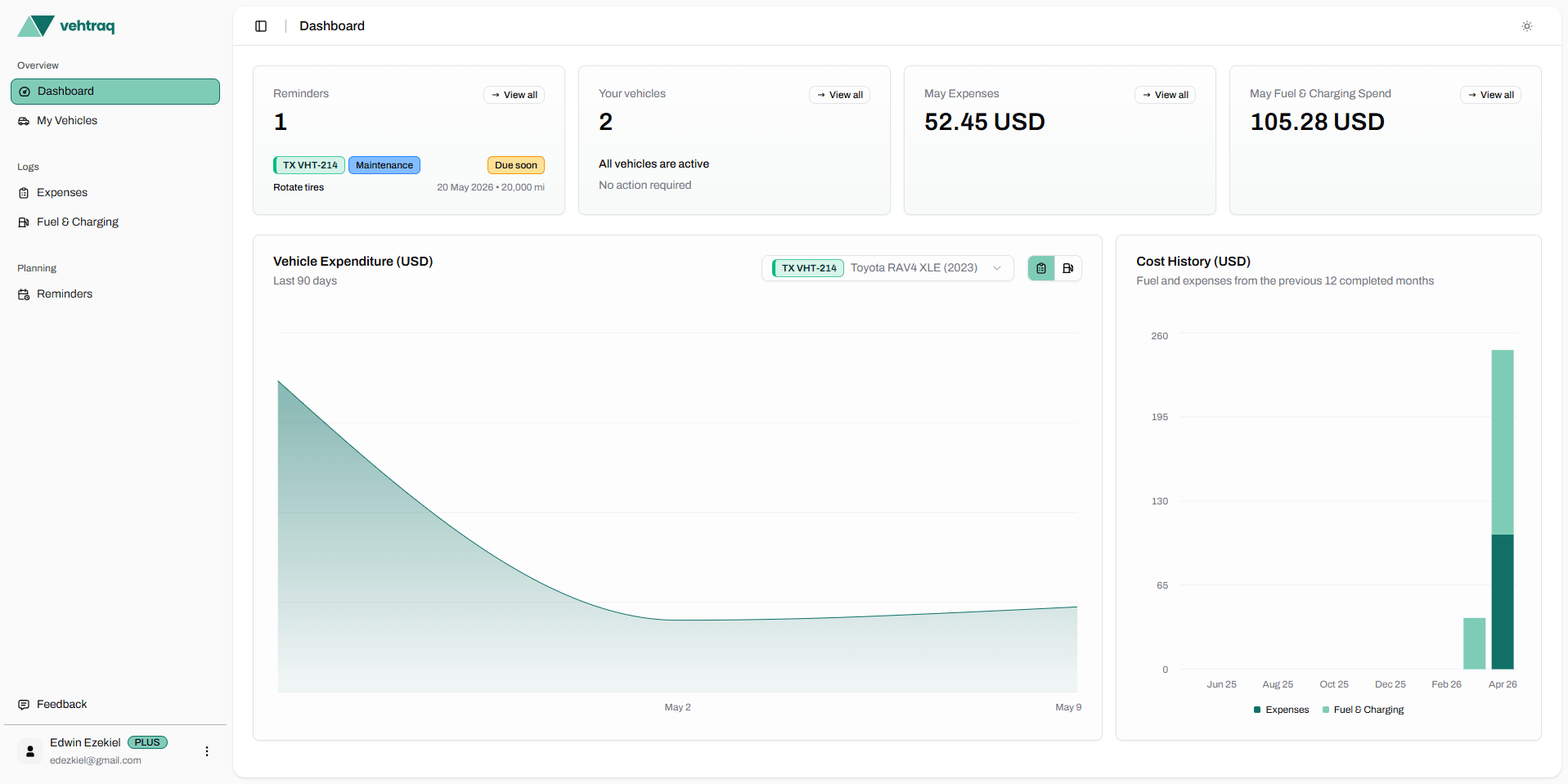
Vehtraq turns one-off worksheets into vehicle records you can filter, review, and export. Fuel logs, service history, reminders, receipts, and costs stay attached to the vehicle they belong to.

View pricing
Vehtraq dashboard showing vehicle records and cost charts

What to record at the pump

A useful fuel mileage record needs a few consistent fields. The exact station or notes are optional, but odometer and quantity are what make the math reliable.

  • Current odometer reading
  • Fuel quantity added
  • Fuel type
  • Whether the tank was filled
  • Station or location if you compare suppliers

How Vehtraq helps after the calculation

One result is useful, but the pattern matters more. Vehtraq connects fill-ups to vehicle history so unusual consumption is easier to notice.

  • Store each fill-up against the correct vehicle
  • Review gas mileage trends by date and odometer
  • Keep fuel records beside service and repair history