Tracker

Build a service history that is useful later

A good service history helps you understand reliability, prepare for renewals, support resale conversations, and avoid repeating work that was already done.

Job to be done

Keep repair and maintenance records organized enough to answer what happened, who did it, and what should happen next.

Free CSV download

Download service history CSV

A service history template for repairs, preventive maintenance, outcomes, provider details, and next reminders.

Download CSV

Service history fields

These fields are enough for a useful service history without making every entry slow to complete.

DateOdometerService typeProviderOutcomeNext reminder
2026-01-1962,400 miBrake serviceIndependent shopRear pads replacedInspect in 12 months
2026-02-2663,850 miDiagnosticsDealerCheck engine light clearedMonitor issue
2026-04-0465,100 miPreventive maintenanceLocal workshopTransmission fluid service85,000 mi

Keep diagnosis notes factual. A clear history helps the next provider continue from the right point.

Product example

Keep the useful record after the calculation or template.

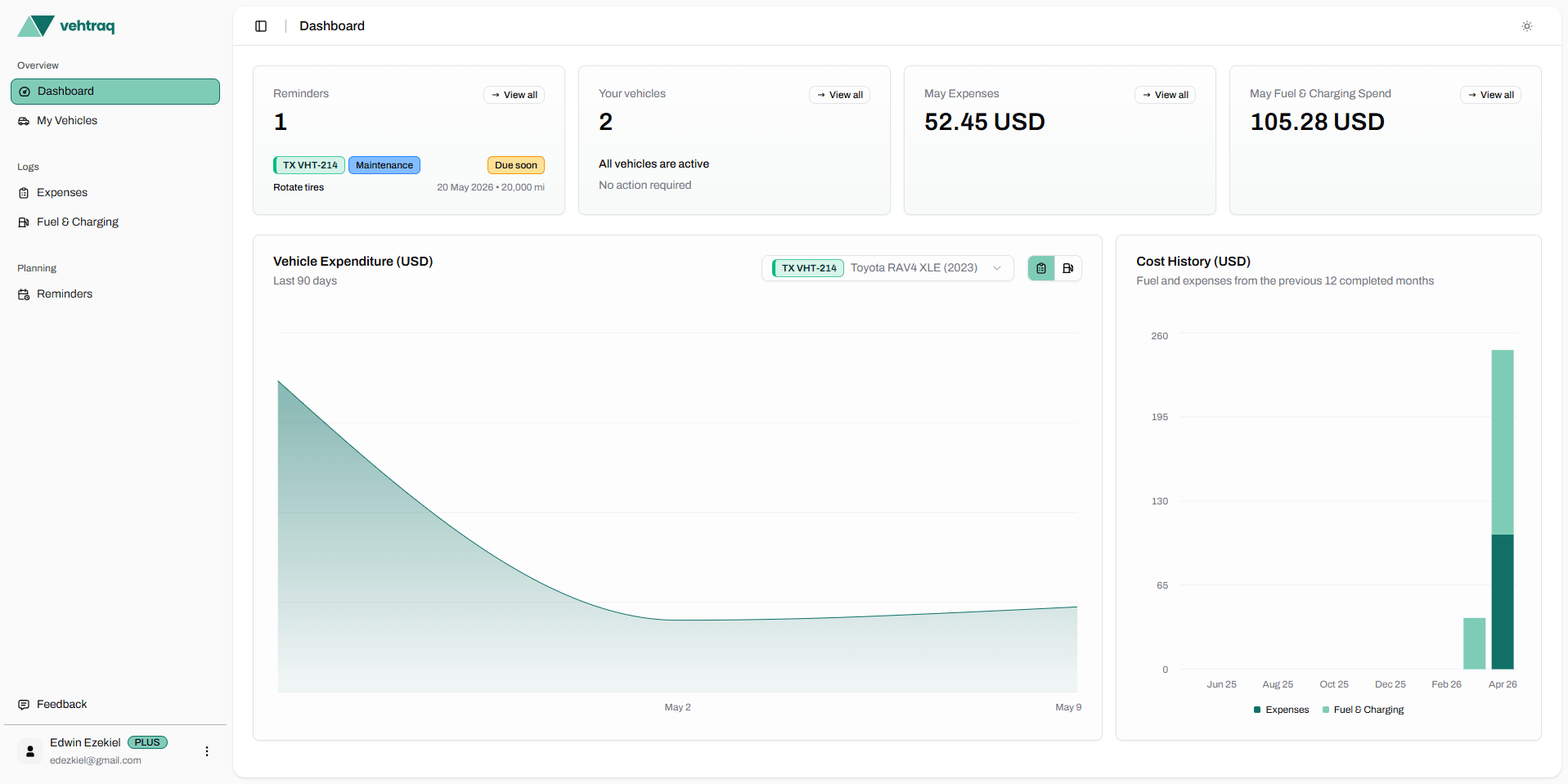
Vehtraq turns one-off worksheets into vehicle records you can filter, review, and export. Fuel logs, service history, reminders, receipts, and costs stay attached to the vehicle they belong to.

View pricing
Vehtraq dashboard showing vehicle records and cost charts
Service history guide

How to keep vehicle service history useful

A service history tracker works best when every entry answers the same practical questions: what happened, when it happened, who handled it, and what should happen next.

Capture the service event while it is fresh

The most reliable records are written on the day of the visit, before invoice details, mileage, and provider notes get scattered across receipts or messages.

  • Record the exact service date and odometer reading.
  • Keep the provider name and invoice reference together.
  • Separate diagnosis, completed work, parts, labor, and follow-up notes.
  • Mark whether the work fixed the issue, reduced the symptom, or needs monitoring.

Group service history by maintenance type

Clear categories make the history easier to scan later, especially when comparing preventive maintenance with unexpected repairs.

  • Preventive maintenance such as oil, filters, fluids, belts, and tires.
  • Repair work such as brakes, suspension, cooling, electrical, or diagnostics.
  • Renewals and inspections such as registration, safety checks, or emissions tests.
  • Recurring reminders that should be scheduled by date, mileage, or both.

Turn completed work into the next reminder

A useful history does more than prove what happened. It should also make the next service easier to plan before it becomes overdue.

  • Use the next due date from the invoice when a workshop provides one.
  • Use an odometer target for mileage-based work like oil changes or tire rotations.
  • Add a shorter review reminder for issues that were diagnosed but not repaired.
  • Keep notes factual so another provider can continue from the same record.

What makes service history trustworthy

A short, consistent entry after each service visit is more useful than a detailed record created months later from memory.

  • Record the odometer on the day of service
  • Name the provider or workshop
  • Separate preventive maintenance from repair work
  • Add the next due date or odometer target

Use history to plan the next task

Service history should lead to reminders. Vehtraq can turn the record into a date or odometer-based prompt for the next job.

  • Create reminders from recurring service intervals
  • See overdue and due-soon work in one dashboard
  • Keep every service item attached to the vehicle profile
FAQ

Service history tracker questions

What should be included in a vehicle service history?

A service history should include the service date, odometer reading, service type, provider, work performed, parts or notes, total cost when available, receipt reference, and the next due date or mileage target.

How is service history different from a maintenance log?

A maintenance log usually focuses on routine work such as oil changes, tires, fluids, and inspections. Service history is broader because it also includes repairs, diagnostics, outcomes, providers, and unresolved issues.

Can service history help when selling a car?

Yes. A consistent service history can make ownership easier to explain because it shows what was maintained, what was repaired, when the work happened, and whether future tasks are already planned.

More resources

Related vehicle tracking tools

Browse all resources

Fuel Mileage Calculator

Calculate MPG and L/100 km after a fill-up.

Open resource

Car Ownership Cost Calculator

Estimate monthly and annual ownership costs.

Open resource

Car Maintenance Log Template

Start a clear oil, tire, inspection, and repair log.

Open resource